Create. Build.Sell. Grow.
Build a website, launch your wholesale store, and grow your brand online. Manage your products and orders in one place.


Start with a storefront template
Choose a design, then make its pages, colours, and product catalogue your own.

Studio — Atelier Argile
A two-person pottery studio in three pages, with a shop, a workshop story, and a contact page.

Boutique — The Daily Edit
An editorial clothing boutique with new arrivals up front and a direct path to the live shop.
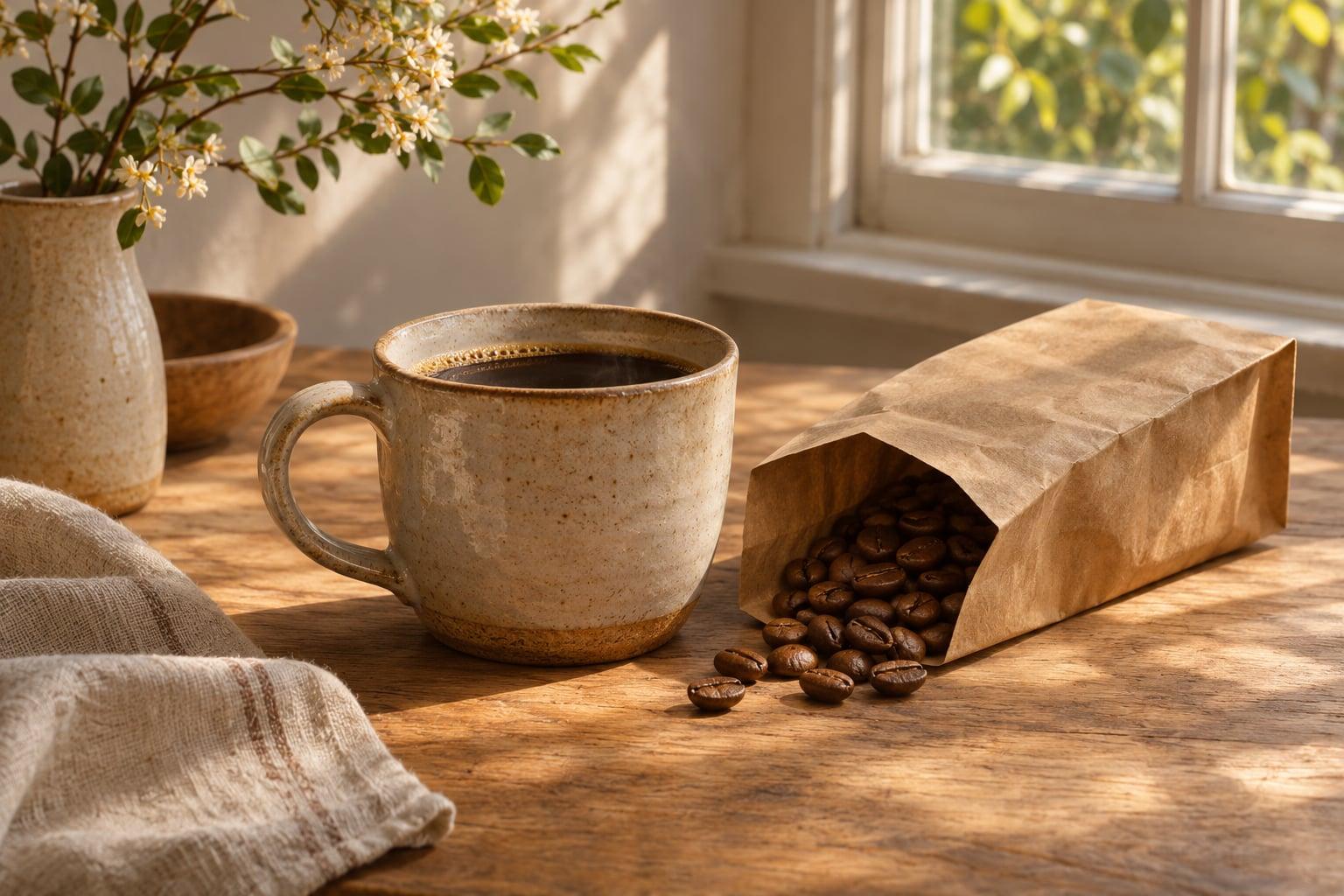
Coffee — The Morning Pour
A specialty coffee shop with a live catalogue and a practical guide to brewing at home.
Everything you need to launch
A storefront, a product catalogue, and a single place to keep track of your orders.
Make it yours
Edit your pages with sections, then set the colours and typography that fit your brand.
Organise your products
Add photos, prices, and variants. Use categories to help buyers find what they need.
Give buyers a place to shop
Share your storefront so buyers can browse your catalogue and place orders online.
Keep track of orders
Manage orders and see what customers bought from your merchant dashboard.
From idea to open store in four steps
Set up your store
Enter your store name and tell us a little about what you sell.
Choose a design
Start with a template and edit its pages to suit your brand.
Add your products
Set your prices and group related products into categories.
Share your storefront
Publish your pages and send buyers a link to your shop.
Frequently asked questions
Ready to open your store?
Give your brand a home and your customers a place to shop.
Create your store